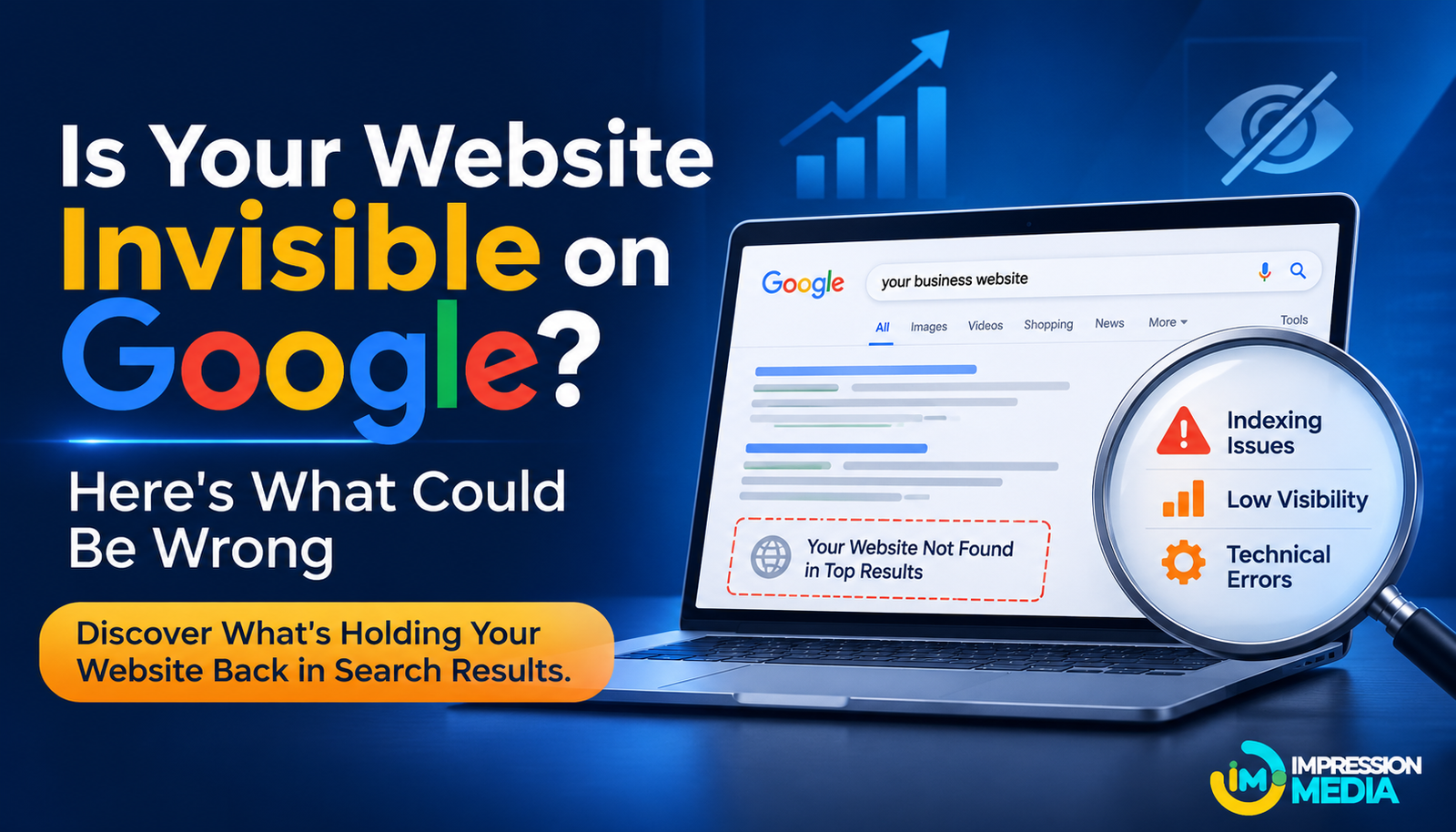
Is Your Website Invisible on Google? Here's What Could Be Wrong
Having a website does not automatically mean people will find your business on Google. You may have invested time in designing your website, publishing service pages and writing blog posts, yet your website barely appears in search results. Potential customers search for products or services you offer, but they find your competitors instead.
This can be frustrating, particularly for small businesses that depend on organic search traffic to reach new customers.
The problem is not necessarily that Google is ignoring your website. Several technical, content-related and SEO factors can affect how search engines discover, understand and rank your pages.
Understanding these issues is the first step towards improving your website's visibility. Here are some common reasons your website may not be appearing prominently on Google and what you can do about them.
1. Google Has Not Indexed Your Website
Before a webpage can appear in Google search results, Google generally needs to discover and index it. Indexing is the process through which Google analyses a page and stores information about it in its search index.
If your website or important pages are not indexed, they cannot appear in regular Google search results.
Why Your Website May Not Be Indexed
Some common reasons include:
- Your website is relatively new and Google has not discovered its pages yet.
- Important pages are not linked internally.
- Your robots.txt file is blocking search engine crawlers.
- Pages contain a noindex directive.
- Google encountered technical errors while accessing your website.
How to Check and Improve Indexing
Use Google Search Console to inspect your website's indexing status. The Page Indexing report can help identify pages that are indexed, excluded or experiencing problems.
You can also use the URL Inspection tool to check individual pages and request indexing when appropriate.
Submitting an XML sitemap can help Google discover important URLs, although it does not guarantee that every submitted page will be indexed.
2. Your Website Does Not Target the Right Keywords
Your website may contain useful information, but that does not mean it matches what people search for.
For example, a company offering website development might use broad phrases such as "digital solutions" or "creative services" throughout its website. However, potential customers may search for more specific terms such as "website development services for small businesses" or "WordPress website designer".
If your content does not reflect the language and search intent of your potential customers, it may struggle to attract relevant organic traffic.
How to Find Relevant Keywords
Start by identifying the products, services and questions your target audience searches for.
You can use tools such as Google Keyword Planner, Google Search Console and Google Trends to explore search terms and understand audience interests.
Look for keywords that:
- Relate directly to your products or services.
- Match the questions your potential customers ask.
- Reflect the purpose of each webpage.
- Have a realistic level of competition for your website.
Avoid inserting the same keyword repeatedly into every paragraph. Use relevant phrases naturally and make sure each page addresses a clear topic.
3. Your Website Content Does Not Provide Enough Value
Publishing content regularly does not automatically improve search visibility. If your articles and service pages offer little useful information, they may struggle to compete with pages that answer visitors' questions more effectively.
For example, a service page that only says "We provide professional digital marketing services" does not explain what those services include, who they are suitable for or how they help businesses.
Visitors need more context before deciding whether a business is relevant to their needs.
What Makes Website Content More Useful?
Good website content should:
- Answer the questions visitors are likely to have.
- Explain products and services clearly.
- Include practical information and relevant examples.
- Demonstrate experience and subject knowledge.
- Avoid unnecessary repetition and generic statements.
- Help visitors understand what to do next.
Review your existing pages and identify where information is missing. Instead of publishing more articles simply to increase content volume, improve the usefulness of the pages you already have.
4. Your Website Has Technical SEO Problems
Technical SEO helps search engines access, crawl and understand your website. Even useful content can struggle to perform if search engines encounter problems while accessing important pages.
Some technical issues may affect only a few URLs, while others can influence large sections of a website.
Common Technical SEO Issues
Pay attention to these areas:
- Broken links: Links leading to missing or unavailable pages can create navigation problems.
- Incorrect redirects: Poorly configured redirects may send visitors and search engines to irrelevant URLs.
- Duplicate content: Similar pages may make it harder for search engines to identify the preferred version.
- Missing canonical tags: Incorrect canonical signals can create confusion about which URL should be considered the main version.
- Crawl errors: Server problems or access restrictions may prevent Google from retrieving important pages.
How to Identify Technical Problems
Google Search Console provides reports that help website owners identify indexing and crawling issues.
You can also use website auditing tools to check broken links, redirect problems, duplicate titles, missing metadata and other technical issues.
Fix problems according to their impact. Start with errors affecting important service pages, landing pages and other URLs that support your business goals.
5. Your Website Loads Too Slowly
Website speed affects the browsing experience. Visitors may become frustrated when pages take too long to load, particularly when accessing a website through mobile networks.
Google also considers page experience signals, including Core Web Vitals, as part of its ranking systems. However, good performance scores alone do not guarantee higher rankings.
What Can Make a Website Slow?
Common causes include:
- Large, uncompressed images.
- Too many unnecessary plugins.
- Poorly optimised themes or scripts.
- Slow server response times.
- Excessive third-party tracking scripts.
- Unnecessary animations and heavy page elements.
How to Improve Website Performance
Start by testing your website using Google PageSpeed Insights. It provides performance information and suggestions for improvement.
Consider compressing images, using modern image formats such as WebP, enabling browser caching and reducing unnecessary scripts.
If your hosting environment is contributing to slow loading times, review its performance and server configuration.
Focus on making important pages load quickly and remain responsive, particularly on mobile devices.
6. Your Website Is Not Mobile-Friendly
A large share of online searches takes place on mobile devices. If your website is difficult to navigate on a smartphone, visitors may leave before finding the information they need.
Google primarily uses the mobile version of a website's content for indexing and ranking. This makes mobile usability an important part of an effective SEO strategy.
Common Mobile Website Problems
Your website may have issues such as:
- Text that is difficult to read without zooming.
- Buttons that are too small or placed too close together.
- Images extending beyond the screen.
- Menus that are difficult to navigate.
- Forms that are complicated to complete.
- Important information hidden behind unnecessary elements.
How to Improve Mobile Usability
Test your website on different screen sizes rather than relying only on the desktop preview.
Use responsive layouts, readable typography, appropriately sized buttons and simple navigation.
Make sure visitors can quickly access essential information such as services, contact details, prices and enquiry forms.
A mobile-friendly website helps visitors interact your business more comfortably and supports a better overall experience.
7. Your Website Has Very Few Quality Backlinks
Backlinks are links from other websites pointing to your website. They can help search engines discover pages and provide useful signals about the relevance and authority of your content.
If your website has very few relevant backlinks compared with established competitors, it may struggle to compete for some search terms.
However, the number of backlinks alone does not determine ranking performance. Relevance, quality and context matter.
How to Build Relevant Backlinks
Businesses can develop backlinks through legitimate activities such as:
- Publishing original research and useful resources.
- Contributing expert insights to relevant industry publications.
- Earning mentions from business partners and professional organisations.
- Creating genuinely useful guides that other websites may reference.
- Participating in relevant industry discussions and publications.
Avoid purchasing large numbers of low-quality links or participating in link schemes. These practices can create SEO risks rather than build sustainable search visibility.
8. Your Competitors Have More Relevant and Helpful Content
Your website does not compete with Google itself. It competes with other pages that may provide more relevant answers to the same search queries.
For example, if someone searches for website development services in a particular city, competing websites may have detailed service pages, customer reviews, project examples and clear business information.
A website with only a short description of its services may find it difficult to compete.
How to Analyse Competitor Websites
Search for the important keywords related to your business and review the pages appearing in the results.
Pay attention to:
- The topics they cover.
- How clearly they explain their services.
- The questions they answer.
- Their page structure and internal links.
- Their use of original images and examples.
- Their overall website experience.
Do not simply copy competing content. Identify information gaps and create pages that provide a clearer, more useful answer.
9. Your Website Has Weak Internal Linking
Internal links connect one page of your website to another. They help visitors discover related information and provide search engines with additional context about your website's structure.
Without a clear internal linking strategy, important pages may become difficult to discover.
For example, a blog post about local SEO could link to a related article about Google Business Profile optimisation and a relevant local SEO service page.
How to Improve Internal Linking
- Use internal links to connect related topics naturally.
- Link relevant blog posts to useful service pages.
- Connect related articles within the same subject area.
- Use descriptive anchor text that explains the destination.
- Make sure important pages are accessible through website navigation or other internal links.
- Avoid adding links where they do not provide value to readers.
A well-organised internal linking structure helps visitors explore your website and makes relationships between pages easier to understand.
10. You Are Not Monitoring Your SEO Performance
SEO requires ongoing observation and improvement. If you publish content and make website changes without checking performance, you may miss important problems.
For example, a page may receive impressions but very few clicks. Another may attract visitors but fail to generate enquiries. These situations require different improvements.
Important SEO Metrics to Monitor
Google Search Console and Google Analytics can help you understand how your website performs.
Focus on metrics such as:
- Organic clicks: How many people visit your website from unpaid search results.
- Impressions: How often your pages appear in Google search results.
- Average position: The average ranking position of your pages for recorded queries.
- Click-through rate: The percentage of impressions that result in clicks.
- Organic engagement: How visitors interact with your website after arriving through organic search.
- Conversions: Whether visitors complete useful actions, such as submitting an enquiry or making a purchase.
Use this information to identify pages that need better content, improved titles, stronger calls to action or technical corrections.
How to Make Your Website More Visible on Google
Improving Google visibility is not about fixing one SEO element and expecting immediate results. It requires a combination of useful content, technical accessibility, relevant keywords and a positive website experience.
If your website is struggling to appear in search results, start with a basic review:
- Check indexing: Confirm that Google can discover and index your important pages.
- Review keyword targeting: Make sure your content matches what potential customers search for.
- Improve existing content: Add useful information and remove unnecessary repetition.
- Fix technical issues: Resolve crawling errors, broken links and incorrect redirects.
- Improve website speed: Optimise images, scripts and server performance.
- Test mobile usability: Make sure the website works properly on smartphones.
- Build relevant backlinks: Focus on earning links from trustworthy and relevant sources.
- Strengthen internal links: Connect related pages and make important content easier to discover.
- Study competitors: Identify content and experience gaps that you can address.
- Track performance: Use analytics to measure progress and guide improvements.
These steps provide a practical starting point for businesses that want to build stronger organic search visibility.
Final Thoughts
A website can remain almost invisible on Google for several reasons. It may have indexing problems, weak keyword targeting, unhelpful content, technical errors or an experience that makes visitors leave too quickly.
The important thing is to identify the actual problem before making changes. Publishing more blog posts will not solve a technical indexing issue, just as improving website speed will not automatically make irrelevant content rank.
Start by understanding how Google accesses your website, what your potential customers are searching for and how effectively your pages answer their needs.
Consistent improvements to content, technical SEO and website experience can help your business build a stronger presence in organic search and make it easier for potential customers to discover what you offer.